Facebook & Instagram ads for beginners: a step-by-step guide for small businesses
Boosting posts is the most expensive way to advertise on Instagram. This beginner's guide shows you how to set up Meta ads properly — from tracking to targeting to creatives — so every rupee works harder.
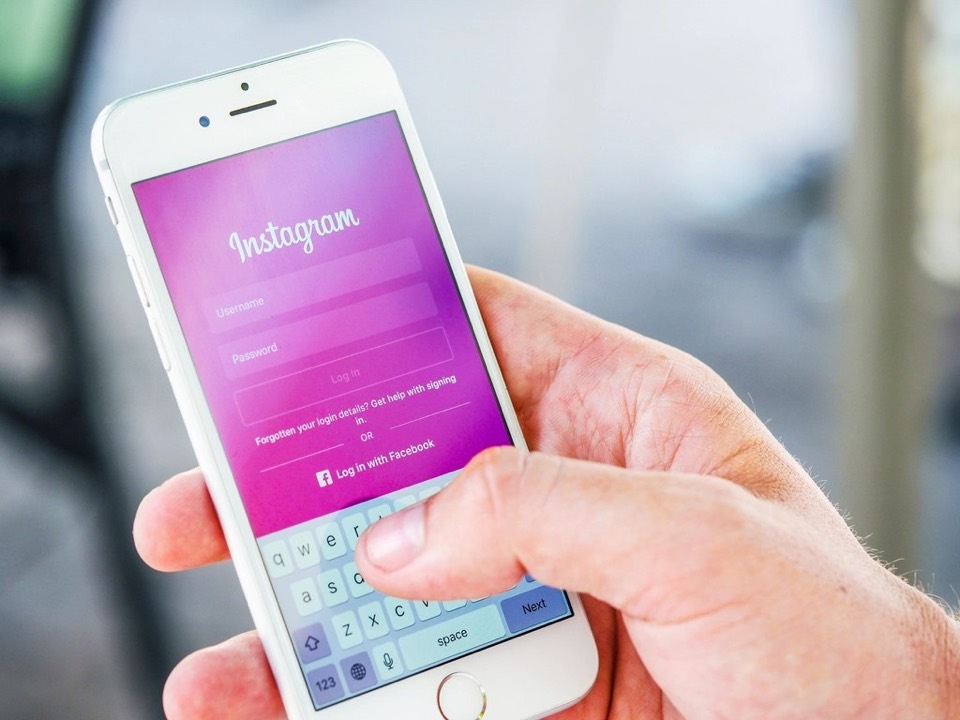 Online ads
Photo: rawpixel via rawpixel (public domain, CC0)
On this page
- Step 1: Set up your accounts correctly
- Step 2: Understand campaign structure
- Step 3: Choose the right objective
- Step 4: Define your audience
- Step 5: Set your budget
- Step 6: Create ads that stop the scroll
- Step 7: Choose where people land
- Step 8: Read your results
- Common beginner mistakes
- The bottom line
- Frequently asked questions
- Use Meta Ads Manager, not the "Boost" button, to get proper objectives, targeting and reporting.
- Set up Meta Business Suite, the Pixel and the Conversions API before spending — without tracking, the algorithm can't optimise.
- Choose the objective that matches your real goal: Leads, Sales, Engagement (messages) or Awareness.
- In 2026, creative is the main targeting lever — test several strong videos and images rather than obsessing over interests.
- Judge results on cost per customer, give campaigns time to learn, and scale gradually.
Facebook and Instagram ads can put your business in front of exactly the right people at a relatively low cost. For many small businesses — restaurants, boutiques, clinics, coaching centres, D2C brands — they're one of the most powerful growth tools available.
But it's also easy to waste money. Many businesses start by pressing "Boost post", see a few likes, and conclude that ads don't work. This guide shows you how to set things up properly.
Step 1: Set up your accounts correctly
Before creating any ads, get the foundations in place:
- A Facebook Page and Instagram professional (business) account, connected to each other
- A Meta Business portfolio (Business Manager) that owns your Page, Instagram account and ad account
- An ad account with correct currency, time zone and payment method
- At least two admins on the business portfolio, so you never get locked out
- Domain verified in Business settings
- Meta Pixel installed on your website
- Conversions API set up (directly or through your platform's integration)
Why tracking is non-negotiable
The Meta Pixel (on your website) and Conversions API (sending events from your server or platform) tell Meta when someone takes a valuable action — views a product, adds to cart, submits a lead form, purchases. Meta's algorithm uses this data to find more people likely to take the same action.
Without good tracking, you're asking the algorithm to find customers blindfolded. Shopify, WooCommerce and many CRMs offer built-in integrations that make this easier.
Step 2: Understand campaign structure
Meta ads are organised in three levels:
| Level | What you decide here |
|---|---|
| Campaign | Your objective (what you want people to do) |
| Ad set | Audience, placements, budget, schedule and optimisation event |
| Ad | The creative: image or video, text, headline, call-to-action and destination |
Step 3: Choose the right objective
Meta's campaign objectives are grouped into a few simple options. Pick the one that matches your real business goal:
- Sales — for online stores and purchases, optimised for conversions on your website or app.
- Leads — for enquiries via instant forms, website forms, calls or messages.
- Engagement — including conversations on WhatsApp, Messenger or Instagram DM.
- Traffic — sends people to a website; often attracts clickers rather than buyers, so use carefully.
- Awareness — maximises reach and recall; good for brand building and local visibility.
- App promotion — for app installs and in-app actions.
Step 4: Define your audience
Meta offers three broad ways to target:
Core audiences
Target by location, age, gender, language, interests and behaviours. Useful for local businesses (for example a radius around your store) and when you're starting with no data.
Custom audiences
Reach people who already know you: website visitors, Instagram engagers, video viewers, lead form openers, or an uploaded customer list. These audiences usually perform best — they're the basis of retargeting.
Lookalike audiences
Find new people similar to your best customers or converters. They work best when built from a good-quality source audience.
Broad targeting and Advantage+ audiences
Meta's algorithm has become very good at finding buyers when given strong conversion data and good creative. Many advertisers now use broad targeting (just location and age, sometimes with audience suggestions) and let the creative do the targeting.
Step 5: Set your budget
- Start with a daily budget you can sustain for at least two to three weeks.
- Avoid spreading a small budget across many ad sets; concentrate it so each gets enough data.
- Meta's "learning phase" typically needs a reasonable number of optimisation events per ad set per week before delivery stabilises.
- Scale winning ad sets gradually rather than doubling budgets overnight.
Step 6: Create ads that stop the scroll
Your creative has about a second to stop someone scrolling. Strong Meta ads usually:
- Hook attention in the first 1–2 seconds (movement, bold text, a question, a surprising visual)
- Use vertical 9:16 video for Reels and Stories, and 4:5 or 1:1 for feeds
- Show the product or result in use, not just a logo
- Feature real people, customers or the founder where possible
- Include captions — many people watch without sound
- State a clear benefit and a specific offer
- End with a clear call-to-action
- Look native to the platform, not like a TV commercial
Good creative formats to test:
- User-generated content (UGC) — real customers or creators talking about the product
- Before and after — for services with visible results
- Founder story — why you started and what makes you different
- Problem → solution demonstrations
- Testimonials and reviews read aloud or shown on screen
- Carousels showing multiple products or steps
Aim to launch with three to six different creatives per ad set, then keep the winners and replace the losers.
Step 7: Choose where people land
- Website landing page — best when you have a strong, fast, focused page and good tracking. Use our landing page checklist.
- Instant forms (lead ads) — forms that open inside Facebook or Instagram. They're quick for users and often produce cheap leads, but quality can be lower. Adding a qualifying question or using the "higher intent" form type can help.
- WhatsApp, Messenger or Instagram DM — great for conversations and quick questions.
Step 8: Read your results
Meta reports many metrics. Focus on the ones that connect to money:
| Metric | What it tells you |
|---|---|
| Cost per result (lead, purchase, conversation) | How much each outcome costs |
| Return on ad spend (ROAS) | Revenue earned per rupee spent (for e-commerce) |
| Click-through rate (CTR) | Whether the creative grabs attention |
| Hook rate / 3-second video views | Whether videos stop the scroll |
| Frequency | How often the same people see your ad; high frequency can mean fatigue |
| Cost per customer (from your CRM) | The ultimate measure of success |
Common beginner mistakes
- Boosting posts instead of using Ads Manager
- No Pixel or Conversions API, so no optimisation data
- Choosing the Traffic objective when you want sales or leads
- Too many ad sets with tiny budgets
- Changing campaigns every day, resetting the learning phase
- Using one creative until it stops working
- Slow follow-up on leads
- Judging success by likes or cheap clicks
The bottom line
Meta ads reward businesses that set up tracking properly, choose the right objective, produce strong creative consistently and follow up fast. Start simple — one campaign, one clear offer, several creatives — measure cost per customer, and scale what works.
Frequently asked questions
Is boosting a post the same as running an ad?
Boosting is a simplified form of advertising with limited objectives and targeting options. Ads Manager gives far more control over objectives, audiences, placements and tracking, which usually leads to better results.
How much should I spend on Meta ads per day?
Start with a daily budget you can maintain for a few weeks, sized so each ad set can generate enough results for the algorithm to learn. Increase gradually as you find profitable campaigns.
Should I use lead forms or send people to my website?
Instant forms are convenient and often cheaper per lead, while website forms usually produce higher-intent leads. Test both, and judge by cost per qualified lead or customer.
Why did my ad get rejected?
Ads are reviewed against Meta's advertising standards. Common issues include restricted content, misleading claims, personal attributes in copy (like "Are you overweight?"), and before-and-after images in sensitive categories. Adjust and resubmit, or request a review.
How do I know when an ad is fatigued?
Rising frequency, falling click-through rate and increasing cost per result are common signs. Refresh creatives regularly to keep performance stable.